What's New in v0.6.0
Welcome to the v0.6.0 release of mcp-server-cloud-fs! This update transforms the server from a simple filesystem bridge into a robust, cloud-native application platform with multi-cloud routing, enterprise auditing, and deep provider integration.
Here are the major highlights.
☁️ Cloud-Native Tool Suite
We've extended the standard filesystem API with a suite of 6 new tools that unlock the unique capabilities of your cloud storage providers without requiring direct SDK access:
- get_presigned_url: Generate temporary secure download/upload links (default 1-hour expiration) for sharing files externally.
- get_object_metadata: Inspect exact sizes, Content-Types, and custom metadata.
- set_object_tags & search_by_tag: Apply key-value tags to objects and search massive buckets by tag instead of glob pattern.
- list_versions & restore_version: For versioning-enabled buckets, browse history and roll back to previous object states instantly.
🔀 Multi-Provider Routing
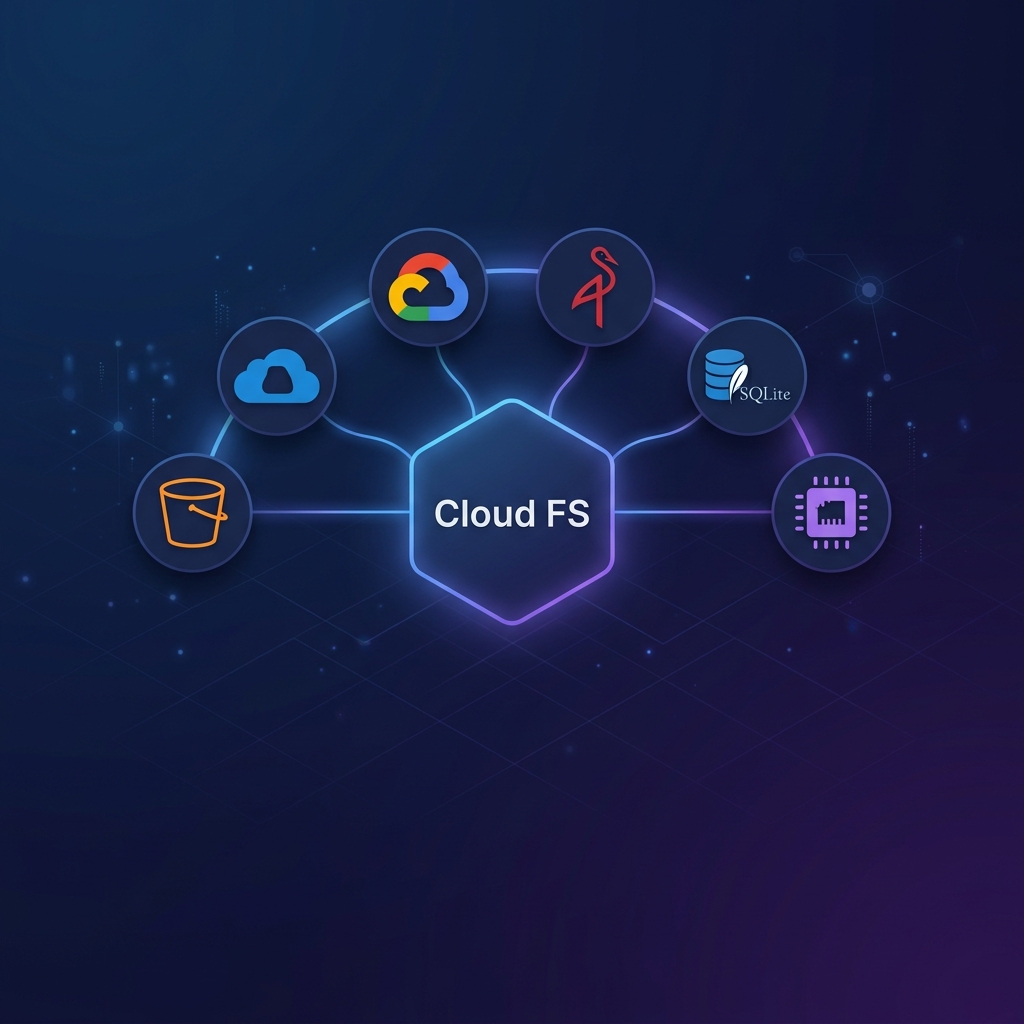
You can now serve AWS S3, Azure Blob Storage, and Google Cloud Storage simultaneously from a single MCP server instance.
The new MultiProvider architecture automatically routes operations based on the URI scheme (s3://, az://, gs://). This means AI agents can now seamlessly copy and sync files across clouds in a single session.
Read more about Multi-Provider Routing
📋 Audit Logging
For enterprise deployments, compliance and observability are critical. v0.6.0 introduces structured tool invocation audit logging.
Every MCP tool call is recorded as a JSON event containing:
- Timestamp
- Tool name
- Arguments passed
- Execution duration (latency)
- Success status
Logs can be written to stderr or appended to a persistent file via the --audit-log and --audit-log-file flags.
🏥 Startup Health Checks
No more silent failures. Before accepting any MCP connections, the server now performs an active credential validation against every configured storage root.
If a root is unreachable due to expired credentials, missing permissions, or invalid regions, the server prints a clear, structured diagnostic report and exits immediately. This prevents the frustrating scenario where an AI agent begins a conversation only to find out it can't access the bucket.
Read more about Startup Health Checks
✂️ Byte-Range Reads
The new read_file_chunk tool allows AI agents to read specific byte ranges of massive files (e.g., pulling the first 10KB of a 50GB log file) without downloading the entire object. This drastically reduces memory usage, network bandwidth, and token consumption for large data analysis.
🪪 Managed Identity Support
The Azure provider has been upgraded to use @azure/identity's DefaultAzureCredential. This means the server automatically supports Azure Managed Identity when deployed to AKS, VM instances, or App Services — no hardcoded secrets required. Similar support is available for AWS via IRSA.
For a full list of commits and minor fixes, check out the Changelog.