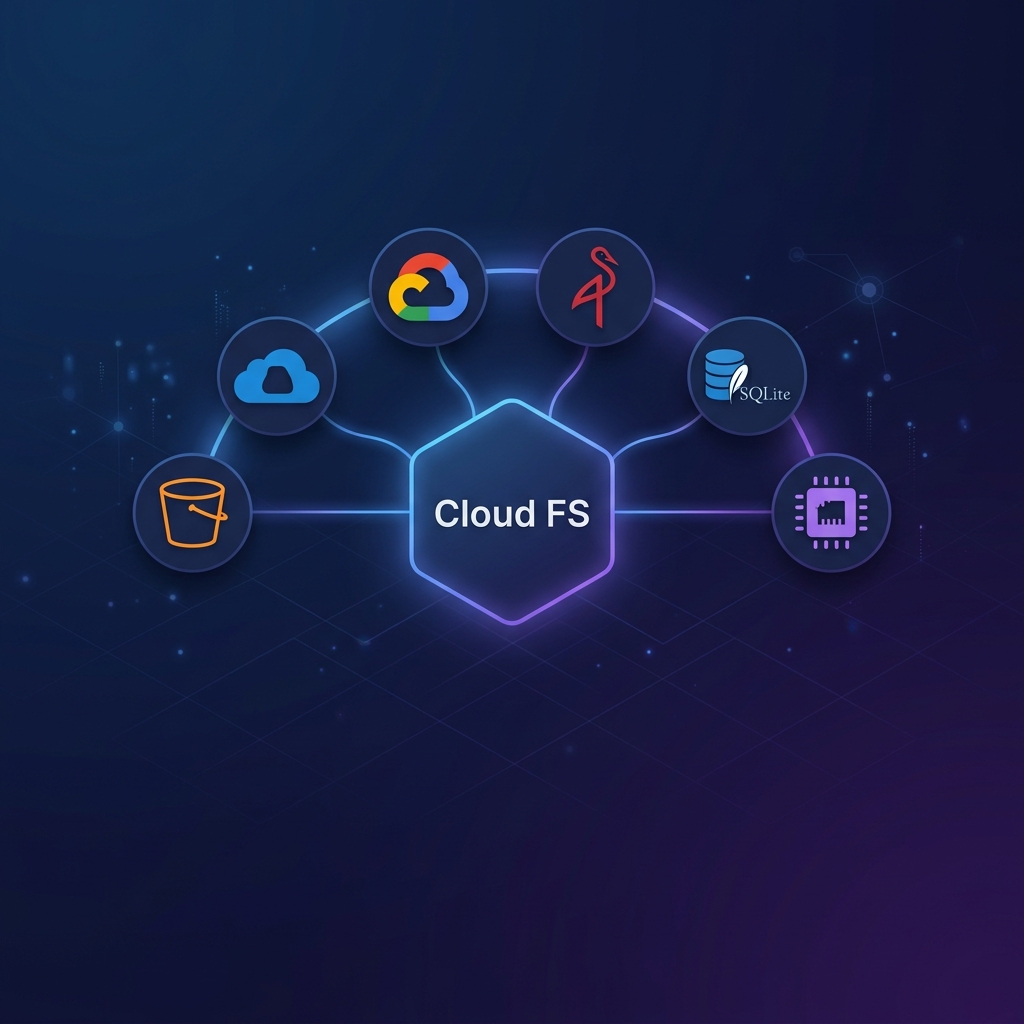
AI Agent Skill
The skills/cloud-fs directory contains an installable AI agent skill that teaches coding assistants (Claude Code, Gemini CLI, etc.) how to use cloud-fs as a POSIX-like virtual filesystem.
Why use a Skill?
While the MCP server provides the tools, the Skill provides the intuition. It teaches the LLM:
- How to map high-level user intents ("show me my bucket") to specific tool calls (
list_directory). - How to handle first-time setup (bootstrap flow) if the MCP server isn't configured yet.
- How to use the server's unique features like line-range reads and regex-based search.
Installation
Claude Code
claude mcp add-skill nogoo9/mcp-server-cloud-fsGemini CLI (npx)
npx skills add nogoo9/mcp-server-cloud-fsGemini CLI (local)
If you have the repository cloned locally:
bun x skills add ./skills/cloud-fsFeatures
MCP Mode Auto-detection
The skill automatically recognizes when cloud-fs is configured in the environment (e.g., via .mcp.json) and tells the assistant how to use the mcp__cloud-fs__* tools.
Bootstrap Flow
If the assistant detects that cloud-fs is needed but not yet configured, the skill provides a guided setup flow. It will ask the user for:
- The cloud provider (S3, Azure, GCS, etc.)
- The root URI (e.g.,
s3://my-bucket) - Credentials (as environment variables)
It then offers to save this configuration to a local .mcp.json file for future sessions.
POSIX-to-MCP Mapping
The skill includes a comprehensive mapping that translates standard shell commands into the most efficient MCP tool calls:
| Intent / Command | MCP Tool Call |
|---|---|
ls, dir | list_directory |
cat, less | read_file or read_file_range |
grep | grep_files |
find | search_files |
cp, mv, rm | move_file, delete_file |
mkdir, touch | write_file |
Provider Credential Guidance
The skill acts as a living reference for how to configure credentials for various providers (AWS IAM, Azure Managed Identity, GCS Service Accounts), reducing the need for the user to consult external documentation.