CLI Reference
cloud-fs-mcp <provider> <root-uri> [root-uri...] [options]Providers
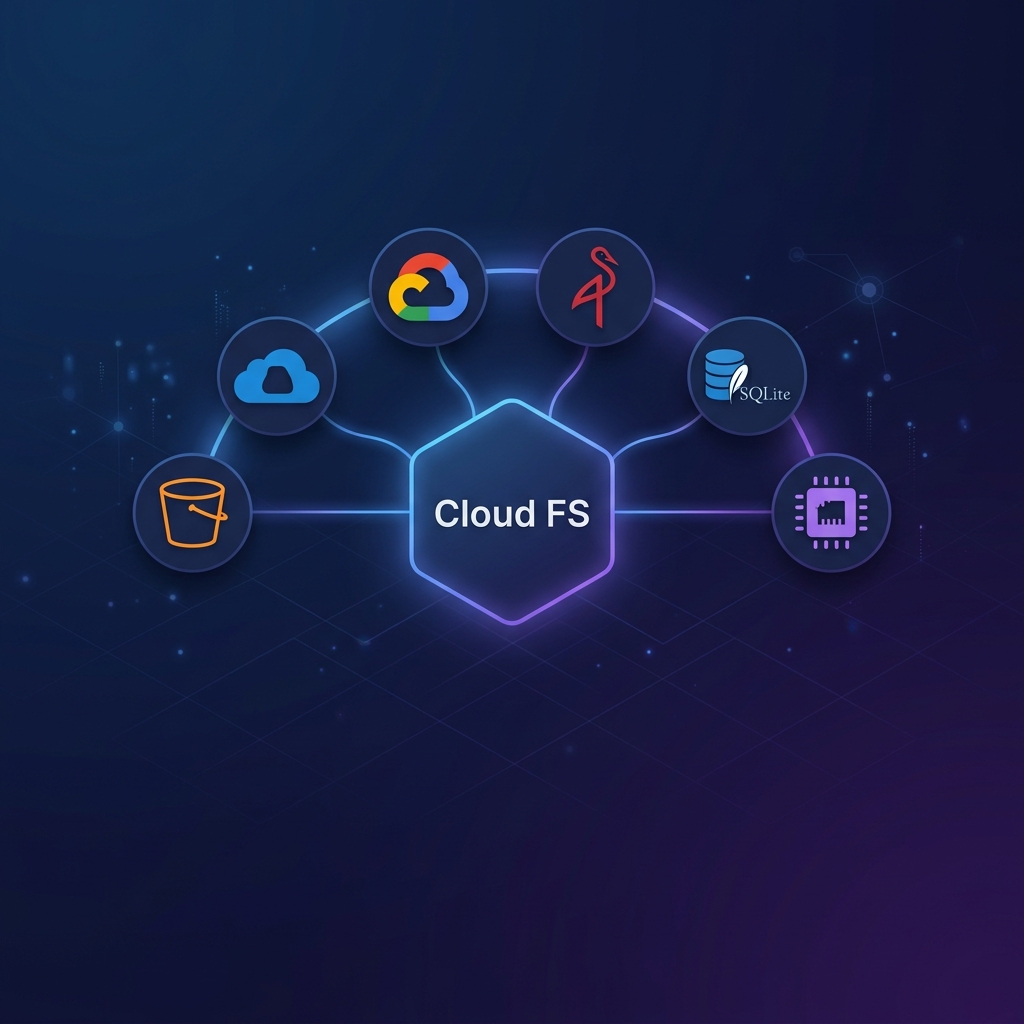
| Provider | URI format | Description |
|---|---|---|
s3 | s3://bucket[/prefix] | AWS S3 or S3-compatible (MinIO, RustFS) |
azure | az://container[/prefix] | Azure Blob Storage |
gcs | gs://bucket[/prefix] | Google Cloud Storage |
memory | mem://name | In-memory (ephemeral, for demos) |
sqlite | sqlite://name | SQLite (persistent local) |
Transport & Network
| Flag | Default | Description |
|---|---|---|
--transport <stdio|http|ws> | stdio | Transport protocol |
--port <number> | 3000 | Listen port (http/ws only) |
--host <address> | 127.0.0.1 | Bind address (http/ws only) |
Authentication
| Flag | Default | Description |
|---|---|---|
--auth <none|builtin|external> | none | Auth mode (http/ws only) |
--auth-issuer <url> | — | OAuth issuer URL (builtin mode) |
--auth-jwks-uri <url> | — | JWKS URI (external mode) |
--auth-audience <string> | — | Expected token audience (external mode) |
--auth-client-credentials | false | Enable Client Credentials ext-auth flow |
--auth-enterprise-idp <url> | — | Enable Enterprise-Managed Authorization |
Production & Hardening
| Flag | Default | Description |
|---|---|---|
--cors-origin <origin> | — | Allowed CORS origin (repeatable) |
--rate-limit <req/min> | 0 (off) | Rate limit per client |
--rate-limit-burst <n> | 10 | Burst allowance |
--security-headers | false | Enable nosecone security headers |
--security-headers-config <json> | — | Custom security headers configuration (JSON) |
--security-headers-config-file <path> | — | Path to security headers configuration file |
--request-logging | false | Enable structured JSON request logging |
--audit-log | false | Enable structured tool invocation audit logging to stderr |
--audit-log-file <path> | — | Write audit log entries to a file (implies --audit-log) |
Storage & Cache
| Flag | Default | Description |
|---|---|---|
--region <region> | — | Cloud region (S3, GCS) |
--endpoint <url> | — | Custom endpoint for S3-compatible backends |
--cache-store <memory|fs|redis> | memory | Cache backend |
--cache-ttl <seconds> | 60 | Cache TTL in seconds |
--sync-debounce <ms> | 2000 | Write flush delay in ms |
--cache-dir <path> | — | Directory for fs cache store |
--no-cache | — | Bypass cache entirely (pass-through mode) |
--gcs-endpoint <url> | — | Custom endpoint for GCS |
--sqlite-db <path> | — | SQLite database file path |
--ca-file <path> | — | PEM CA bundle for TLS verification (S3-compatible endpoints + Redis) |
Interactive Shell (cloud-fs)
The interactive shell is a separate binary that provides a POSIX-like terminal for cloud storage.
bash
cloud-fs <provider> <root-uri> [options]It supports all the same Storage & Cache and TLS flags as cloud-fs-mcp.
| Flag | Default | Description |
|---|---|---|
--seed-demo | false | Seed VFS with sample files (demo only) |
--no-history | false | Disable persistent command history |
Tools
| Flag | Default | Description |
|---|---|---|
--enable-delete | false | Enable the delete_file tool |
--enable-shell | false | Enable the shell tool |
--enable-dlp | false | Enable DLP content sanitization (redacts secrets/PII from tool responses) |
--grep-max-objects <n> | 1000 | Max objects grep_files scans per call |
TLS & Custom CA
Two approaches are available for custom CA certificates:
--ca-file <path> (targeted)
Injects the PEM CA bundle into specific clients:
- S3-compatible endpoints (MinIO, RustFS) — passed as a custom
https.AgentviaNodeHttpHandler - Redis (
rediss://) — passed astls.catoioredis
Not needed for AWS S3, Azure Blob, or GCS — these connect to public cloud endpoints with well-known CAs.
bash
# MinIO with self-signed CA
cloud-fs-mcp s3 s3://my-bucket \
  --endpoint https://minio.internal:9000 \
  --ca-file /etc/ssl/certs/my-ca.pem

# Redis with private CA
REDIS_URL=rediss://redis.internal:6380 \
cloud-fs-mcp s3 s3://my-bucket --cache-store redis \
  --ca-file /etc/ssl/certs/my-ca.pem
NODE_EXTRA_CA_CERTS (runtime-wide)
Node.js/Bun environment variable that applies to all outbound TLS connections — covers every provider and Redis:
bash
NODE_EXTRA_CA_CERTS=/etc/ssl/certs/my-ca.pem \
cloud-fs-mcp s3 s3://my-bucket --endpoint https://minio.internal:9000
Use NODE_EXTRA_CA_CERTS when you want a single CA to cover multiple connections, or when using Azure / GCS behind a TLS-intercepting proxy.
INFO
Credentials are always sourced from SDK credential chains — never CLI flags. See Provider Setup for details.