Streaming & Chunked File Reading
Status: ✅ Implemented in v0.6.0 Issue: #12Commit:
5946f91—feat(tools): add read_file_chunk for byte-range readsBranch:feature/cloud-native-v1
Problem
The current read_file / read_text_file tools download the entire file into memory before returning it to the LLM. For large files (logs, CSVs, datasets), this causes:
- Memory pressure — multi-MB files held in Buffer
- Token overflow — LLM context windows can't handle large responses
- Timeouts — slow downloads for large objects
- Missed optimization — S3 and Azure support server-side byte-range reads and S3 Select (SQL on objects)
While read_file_range exists (line-based offset/limit), it still downloads the full file first, then slices in memory.
Design
1. True Byte-Range read_file_chunk Tool
A new tool that uses the provider's native byte-range support (Range: bytes=X-Y) to fetch only the requested chunk:
server.registerTool("read_file_chunk", {
  description: "Read a byte range from a file without downloading the entire object.",
  inputSchema: z.object({
    path: z.string(),
    start_byte: z.number().int().nonneg(),
    end_byte: z.number().int().nonneg().optional()
      .describe("Inclusive end byte. Omit to read to end of file."),
    encoding: z.enum(["utf8", "base64"]).default("utf8"),
  }),
});
VFS changes: vfs.get() already supports range?: { startByte, endByte } and passes it to provider.getObject(). The S3/Azure/GCS providers already support this. The tool just needs to wire it up.
2. Improved read_file_range (Line-Based)
Refactor handleReadFileRange to:
- First call
vfs.stat()to get file size. - If file size < threshold (e.g., 1MB), use the current full-download approach.
- If file size >= threshold, use a heuristic: estimate byte offset from line offset, download byte range, adjust to line boundaries. This is an optimization, not a requirement for v1.
3. search_file_content Tool (S3 Select — Future)
For S3 buckets with CSV/JSON/Parquet files, S3 Select can run SQL queries on objects server-side. This is provider-specific and should be behind a capability check.
// Future: only available when provider supports it
server.registerTool("search_file_content", {
  description: "Run a server-side SQL query on a CSV/JSON/Parquet file (S3 Select).",
  inputSchema: z.object({
    path: z.string(),
    expression: z.string().describe("SQL expression (e.g., SELECT * FROM s3object WHERE ...)"),
    input_format: z.enum(["csv", "json", "parquet"]),
  }),
});
Architecture Impact
src/tools/read.ts      → [MODIFY] add read_file_chunk tool
src/tools/extended.ts   → [MODIFY] optimize read_file_range for large files
src/providers/interface.ts → no change (range already supported)
src/auth/scopes.ts     → [MODIFY] add read_file_chunk to READ scope
Implementation Plan
Phase 1: read_file_chunk (this issue)
- Add
handleReadFileChunkinsrc/tools/read.ts. - Wire to
vfs.get(root, key, { startByte, endByte }). - Register in
registerReadTools(). - Add to
TOOL_SCOPE_MAPinsrc/auth/scopes.ts. - Unit tests: verify byte-range reads, encoding options, edge cases.
- Update tool documentation.
Phase 2: Optimized read_file_range (separate PR)
- Refactor to use byte-range reads for large files.
Phase 3: S3 Select (separate issue)
- Add
SelectObjectContentCommandto S3 provider. - Provider capability detection.
Acceptance Criteria
- [x]
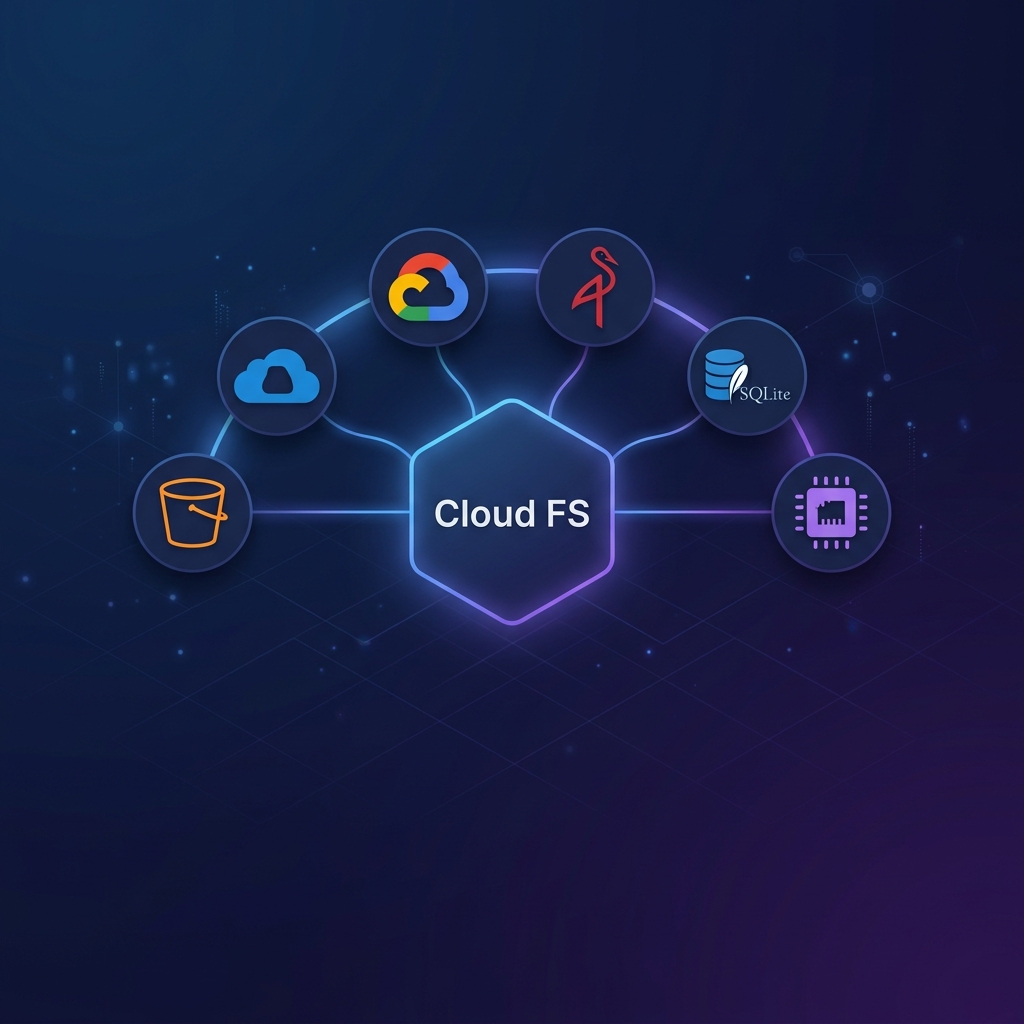
read_file_chunktool returns exact byte ranges without full download - [x] Works with all providers (S3, Azure, GCS, Memory, SQLite)
- [x]
encoding: "base64"option for binary chunks - [x] Auth scope mapping is correct
- [x] Unit tests cover: normal range, open-ended range, out-of-bounds, encoding