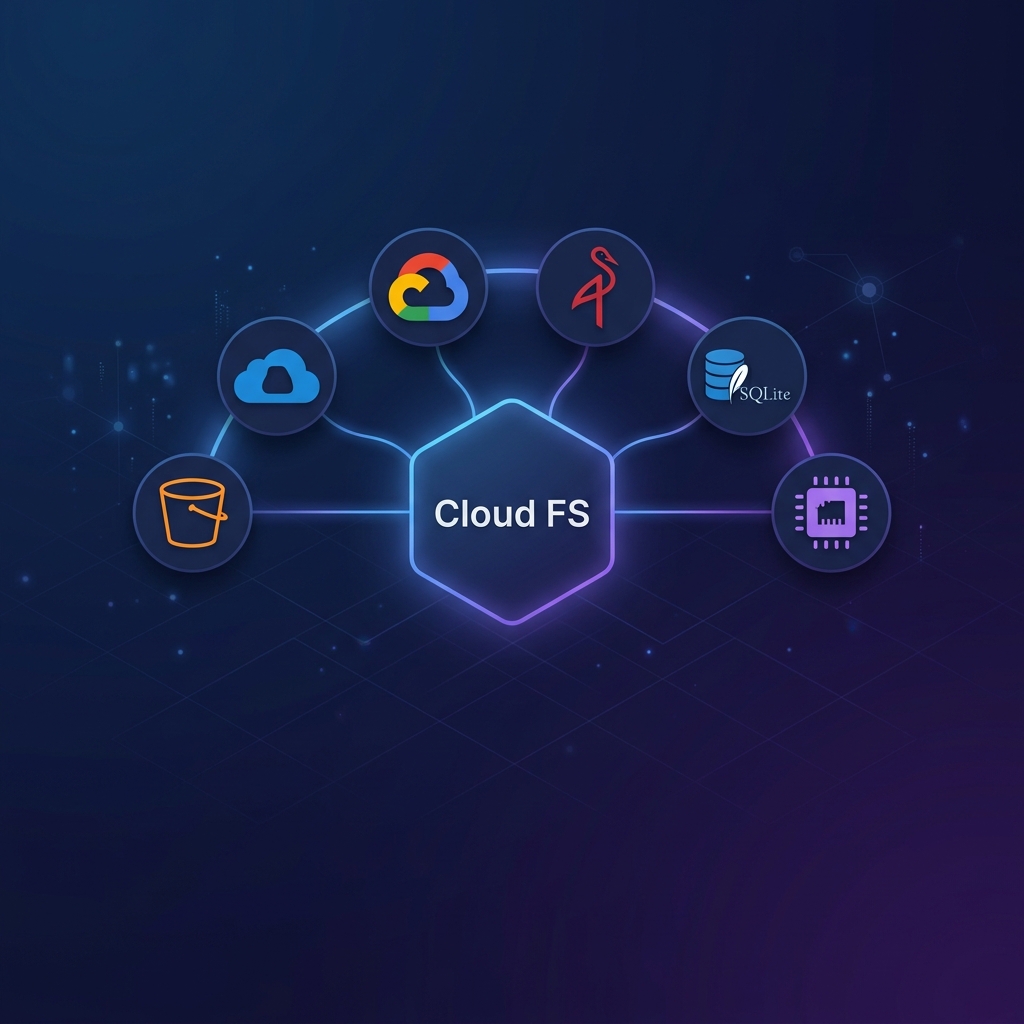
Provider Setup
Credentials are always sourced from SDK credential chains — never CLI flags.
AWS S3
Credentials are read from the standard AWS credential chain: AWS_ACCESS_KEY_ID / AWS_SECRET_ACCESS_KEY env vars, ~/.aws/credentials, EC2 instance profiles, and so on.
cloud-fs-mcp s3 s3://my-bucket --region us-east-1S3-Compatible (MinIO, RustFS)
Pass --endpoint to target any S3-compatible backend:
export AWS_ACCESS_KEY_ID=minioadmin
export AWS_SECRET_ACCESS_KEY=minioadmin
cloud-fs-mcp s3 s3://my-bucket --endpoint http://minio:9000 --region us-east-1
Azure Blob Storage
Uses DefaultAzureCredential — works with AZURE_TENANT_ID / AZURE_CLIENT_ID / AZURE_CLIENT_SECRET env vars, managed identity, az login, and so on.
cloud-fs-mcp azure az://my-containerGoogle Cloud Storage
Uses Application Default Credentials (ADC). Set GOOGLE_APPLICATION_CREDENTIALS or run gcloud auth application-default login.
cloud-fs-mcp gcs gs://my-bucketIn-Memory (Ephemeral)
Zero-config, zero-dependency provider. All data lives in a Map and is lost when the process exits.
cloud-fs-mcp memory mem://demo --enable-shellTIP
Use --seed-demo to pre-populate the VFS with sample files for demonstrations:
cloud-fs-mcp memory mem://demo --enable-shell --seed-demoSQLite (Persistent Local)
Persistent local storage using Bun's built-in bun:sqlite. Uses WAL mode.
cloud-fs-mcp sqlite sqlite://my-bucket --sqlite-db /tmp/cloud-fs.db --enable-shellProvider URI Formats
| Provider | URI Format | Example |
|---|---|---|
s3 | s3://bucket[/prefix] | s3://my-bucket/data |
azure | az://container[/prefix] | az://my-container |
gcs | gs://bucket[/prefix] | gs://my-bucket |
memory | mem://name | mem://demo |
sqlite | sqlite://name | sqlite://my-bucket |